
Mobile guide – Australia
Wonaco Mobile Australia: Browser Play, iPhone and Android
 Available in US
Wonaco works on phones and tablets through a mobile web browser. Wonaco supports browser play on iOS and Android and does not have a dedicated iPhone or Android app. For an Australian reader, the practical route is therefore the responsive website rather than an App Store, Google Play or APK download. The current AU gamehall exposes the same broad discovery structure seen on desktop, including Pokies, Live Games, Instant Games, Table games and jackpots. Mobile access is useful for account checks, game browsing and support, but it does not change the Australian regulatory position: ACMA currently identifies Wonaco as a prohibited interactive gambling service with an Australian customer link. The comparison focuses on what the browser experience lets you do rather than treating a successful page load as proof of Australian licensing or approval.

Table of Contents
- Wonaco app or mobile browser?
- What the current mobile gamehall gives you
- Five mobile tasks worth checking before you rely on the phone experience
- iPhone use: what changes and what does not
- Android use: browser-first, not APK-first
- Mobile payments are still governed by the same account rules
- Support on mobile
- Australian regulatory status does not change on mobile
- Who is the browser-first setup best suited to?
- Browser access and Australian context
Wonaco app or mobile browser?
The answer is browser. The current fact record verifies mobile-browser use on both iOS and Android and does not verify a dedicated native app. That matters because search results for a “Wonaco casino app Australia” can create the wrong expectation. You do not need a separate software package to reach the core mobile product described in the guide.
A browser-first model has a practical advantage: there is no app update cycle to manage and no separate app-store account to maintain. You open the site in a mobile browser and use the web interface. The trade-off is that the experience depends on the website remaining reachable and rendering correctly in the browser. It should not be described as a native iOS or Android product merely because it behaves like an app-sized interface.
Do not install unofficial Wonaco APKs
Wonaco does not have a dedicated Android app or official app-store installation in the current Wonaco information. Avoid third-party “Wonaco app” downloads, sideloaded APK packages and download pages that are not part of the official website. A browser page is not a reason to trust an unrelated installation file.
What the current mobile gamehall gives you
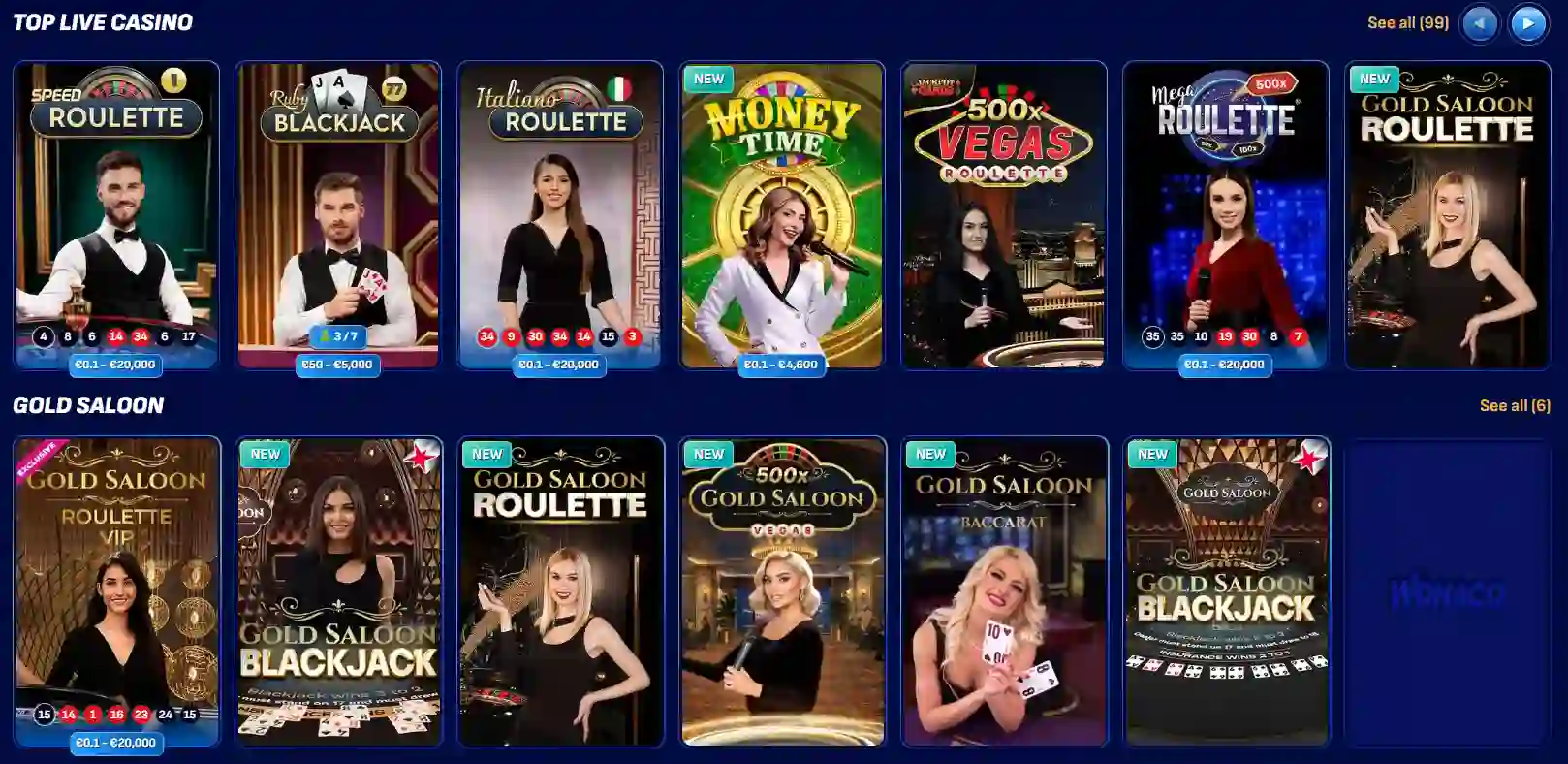
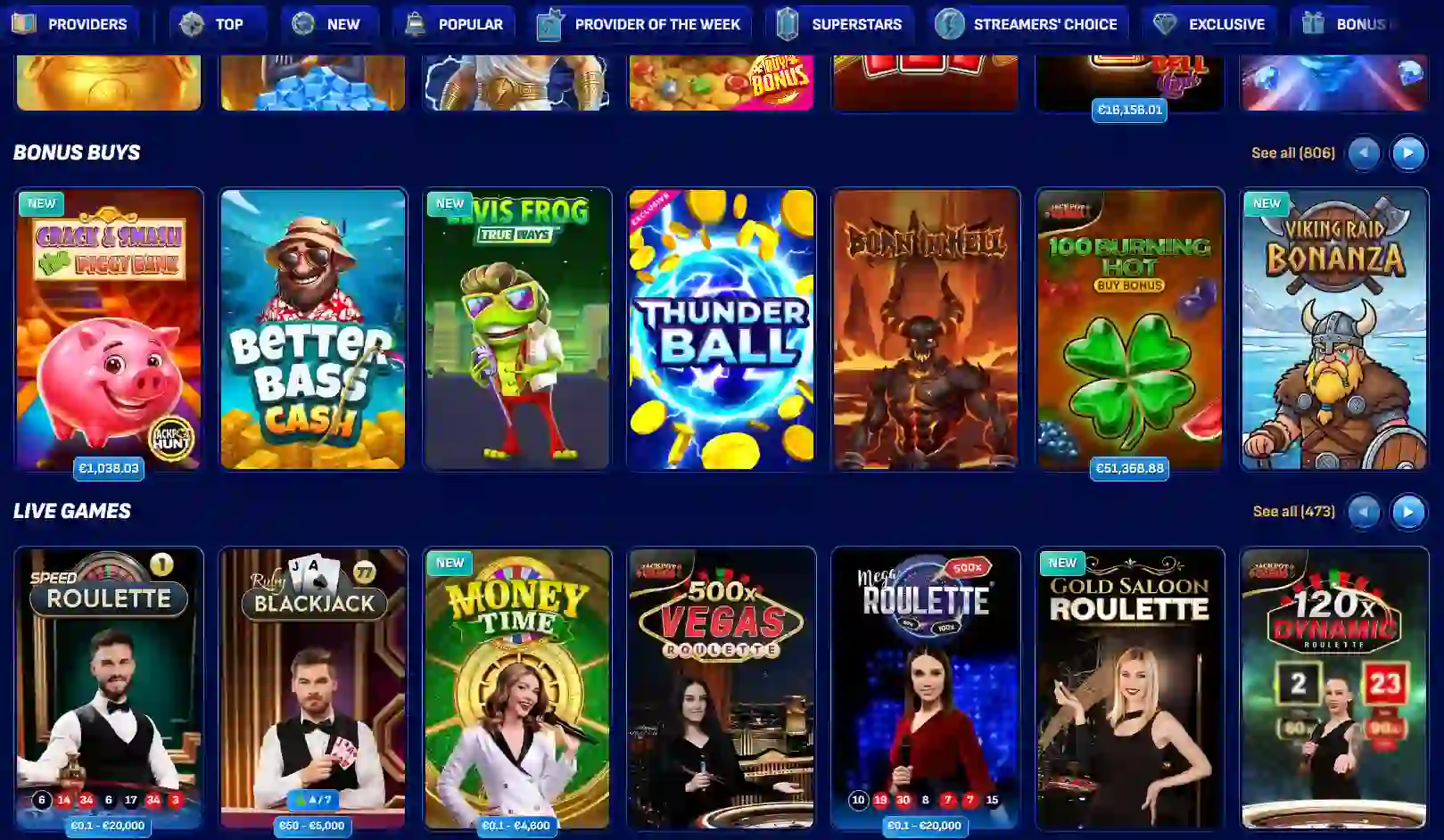
The AU-facing gamehall currently exposes stable category navigation rather than a mobile-only reduced catalogue. The visible categories include Pokies, Live Games, Instant Games, Table games and jackpots, plus discovery filters such as Top, New, Popular and Bonus Buys. Exact title counts can change, so the useful mobile question is not whether a specific number of games appears on one date. It is whether the main categories remain easy to reach on a smaller screen.
For pokies, the browser interface is useful when you already know the type of game you want. Category and discovery filters reduce the amount of scrolling needed. For live casino, the mobile screen has a different practical constraint: the stream, table controls and bet interface all compete for limited display space. That makes a stable connection and sensible device orientation more important than on a static slot screen. Our game library guide covers the catalogue itself, while this section keeps the focus on phone-sized navigation.
Instant and table categories are also visible in the current gamehall. That means a mobile user can move between content types without relying on a separate app menu. The important distinction is interface access, not a promise that every game shown to every visitor will be playable from every Australian account. Provider restrictions and account conditions can still apply independently.
Five mobile tasks worth checking before you rely on the phone experience
- Finding a game. Open the gamehall and confirm that the category and discovery controls remain usable without constant zooming. A deep catalogue is less useful if mobile navigation makes repeat searches frustrating.
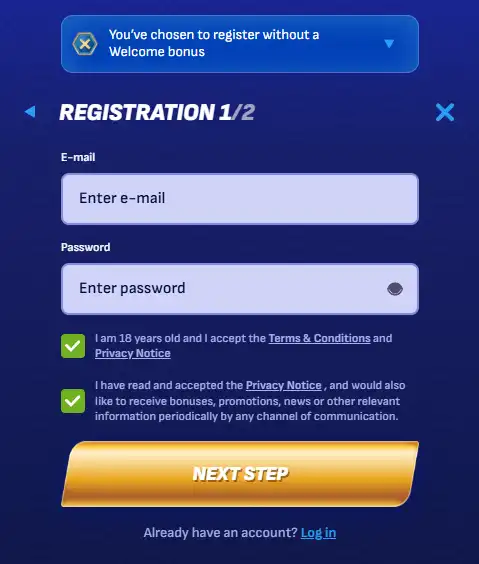
- Opening account areas. Check whether login, profile and account controls remain legible in portrait mode. Registration and identity rules are the same account rules covered in the account setup guide; mobile does not create a separate lightweight account type.
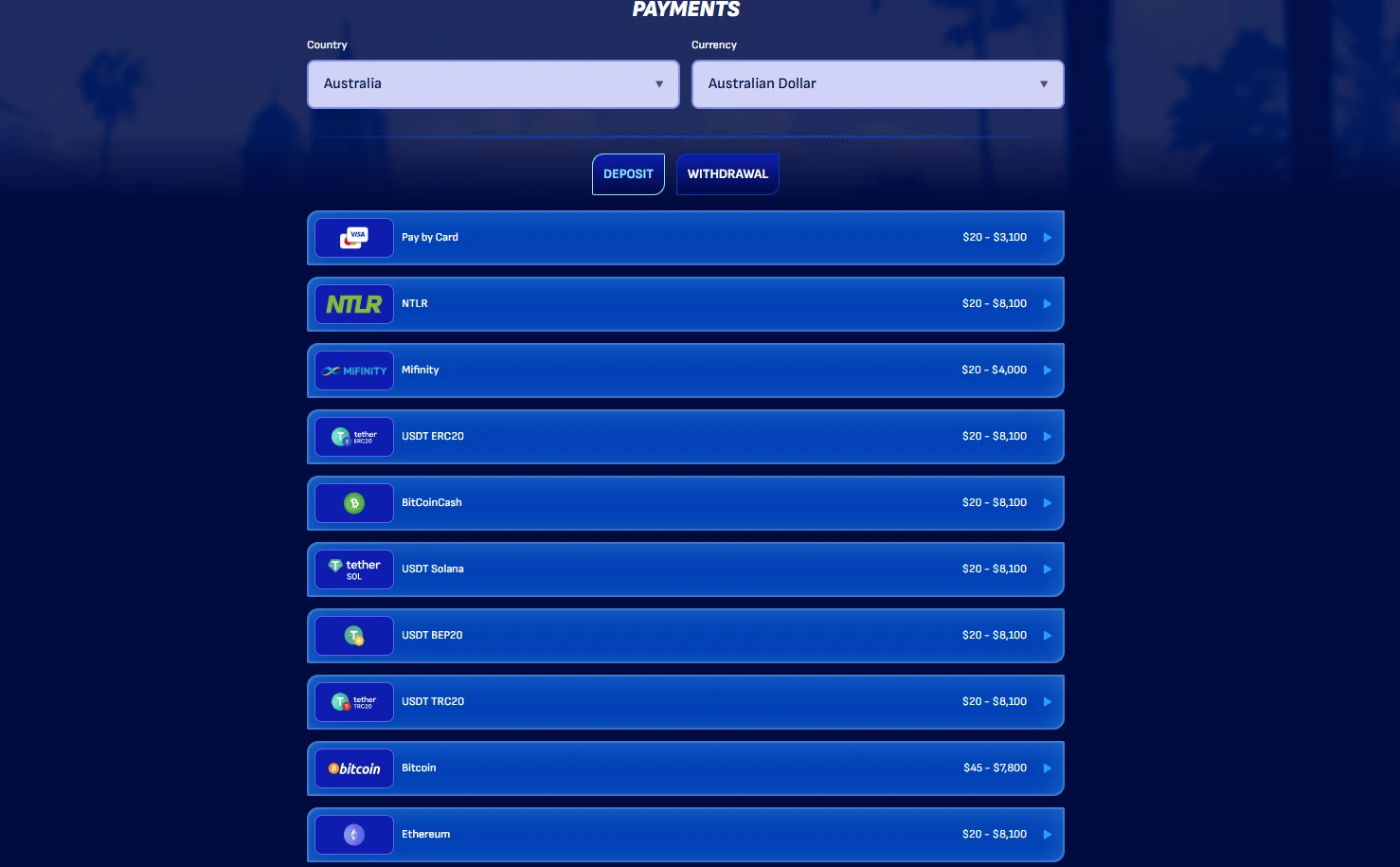
- Reviewing payment information. Before depositing or withdrawing, confirm that cashier details and method-specific conditions are readable on the phone. The current payments and AUD banking guide explains the payment rules that matter more than screen size.
- Using support. Wonaco support is available through Live Chat and [email protected], and live chat is available 24/7. On mobile, live chat is useful because it keeps support in the same browser session rather than requiring a separate app.
- Reading terms before activation. Bonus and account terms can contain rules that are easy to miss on a small display. If a promotion is involved, open its current terms before activating it rather than relying on a banner headline.
This task-based test is more informative than saying a website is simply “mobile friendly”. A responsive layout can look clean while still making a key action difficult. The best mobile experience is the one that preserves the decision points you actually need: navigation, account information, payment conditions, support access and readable terms.
iPhone use: what changes and what does not
On an iPhone, Wonaco is a website session rather than a native app installation. The core sequence is therefore browser-based: open the site, sign in if you have an account, use the game navigation and move between account areas within the same web session. There is no need to search for a Wonaco listing in the App Store to use the browser product described here.
The main practical issue is screen economy. Portrait mode suits lists, account information and support. Some game interfaces, especially live dealer layouts, can benefit from landscape orientation if the game itself supports it. Browser controls, address bars and on-screen keyboards also consume space, so a game or cashier view can feel tighter than the equivalent desktop layout.
Do not confuse any browser icon, saved bookmark or home-screen shortcut with a native app. The comparison does not claim a current Wonaco progressive web app or dedicated shortcut feature because the live official page evidence checked for this update is sufficient to verify browser use, not a separate app installation model.
Android use: browser-first, not APK-first
The Android position is the same at the product level: use the mobile website. Wonaco supports browser play and does not have a dedicated Android app. That makes unofficial APK search results a poor starting point. Installing a package from an unrelated download site creates a software-security question that does not exist when you simply use the official website in a browser.
Android devices vary more widely in screen size, browser version and hardware performance than iPhones, so the real test is how the current site behaves on your device. Check game loading, menu responsiveness and whether the cashier and support areas remain readable. If the site becomes inaccessible because of an ISP block or another access control, the guide does not provide bypass instructions.
Mobile payments are still governed by the same account rules
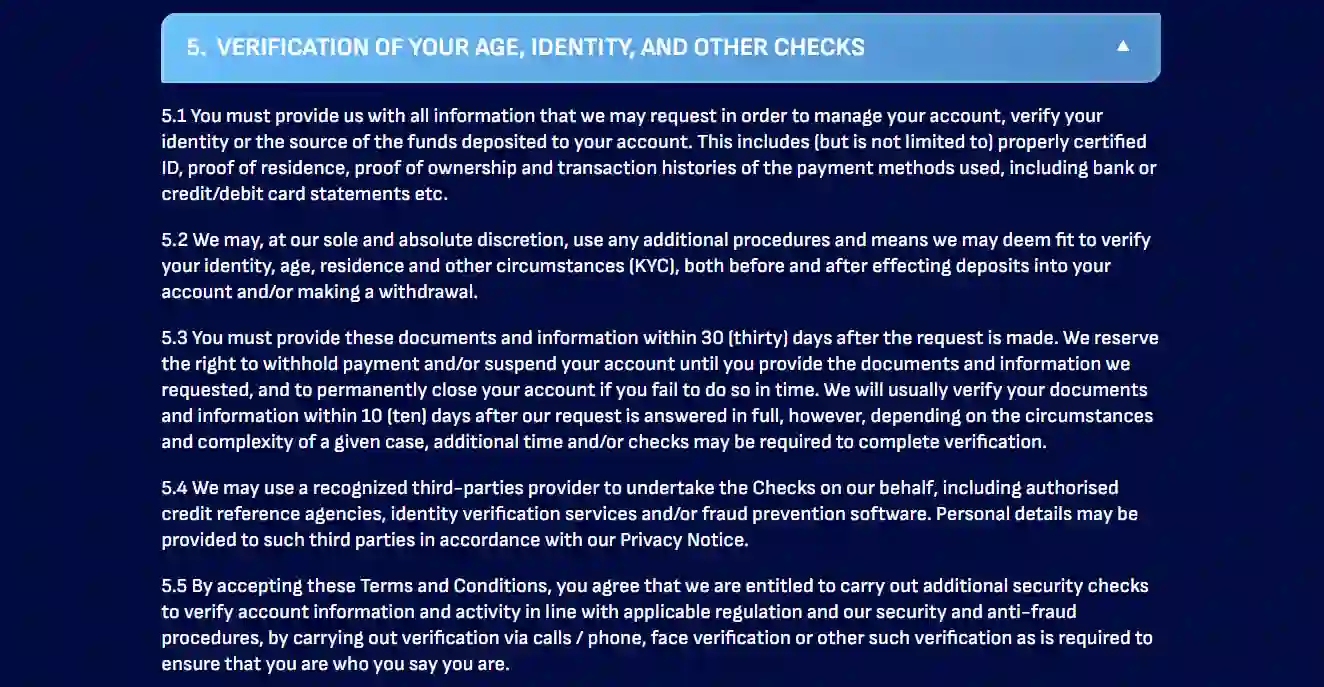
A phone does not change the underlying deposit, withdrawal or identity framework. Payment options shown in a mobile cashier are account features, not mobile-specific entitlements. Wonaco’s current Terms allow KYC before or after financial transactions, and payment-method ownership can be checked. That means the convenient act of depositing from a phone can still create a later verification trail that needs to match the account holder’s identity.
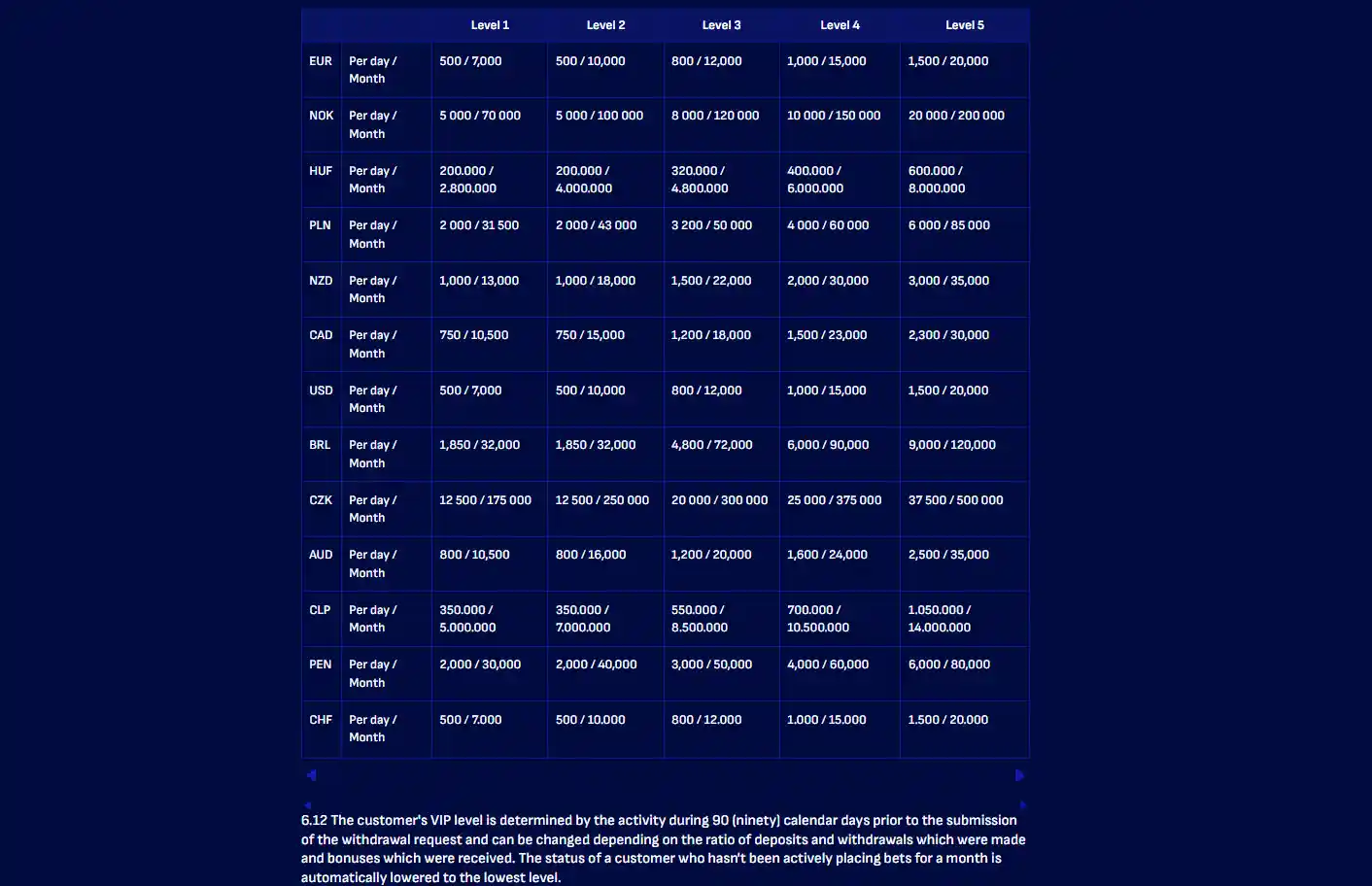
The same principle applies to withdrawals. A mobile request does not receive a separate fast-track rule just because it was submitted from a phone. Withdrawal conditions, verification and processing rules belong to the payment pages. Keeping those mechanics out of this mobile review prevents the app question from turning into a duplicate banking article.
Support on mobile
Wonaco provides Live Chat and email support at [email protected]. Current independent review evidence also supports 24/7 live chat. On a phone, chat is usually the more convenient route for a short account or interface question because it keeps the conversation alongside the browser session. Email remains useful when you need a written thread or need to describe a problem in more detail.
Support availability should not be confused with regulatory dispute resolution. A support agent can address product and account questions, but mobile access to support does not create Australian regulatory protection. The distinction becomes especially important if the issue concerns a withdrawal, identity review or account restriction.
Australian regulatory status does not change on mobile
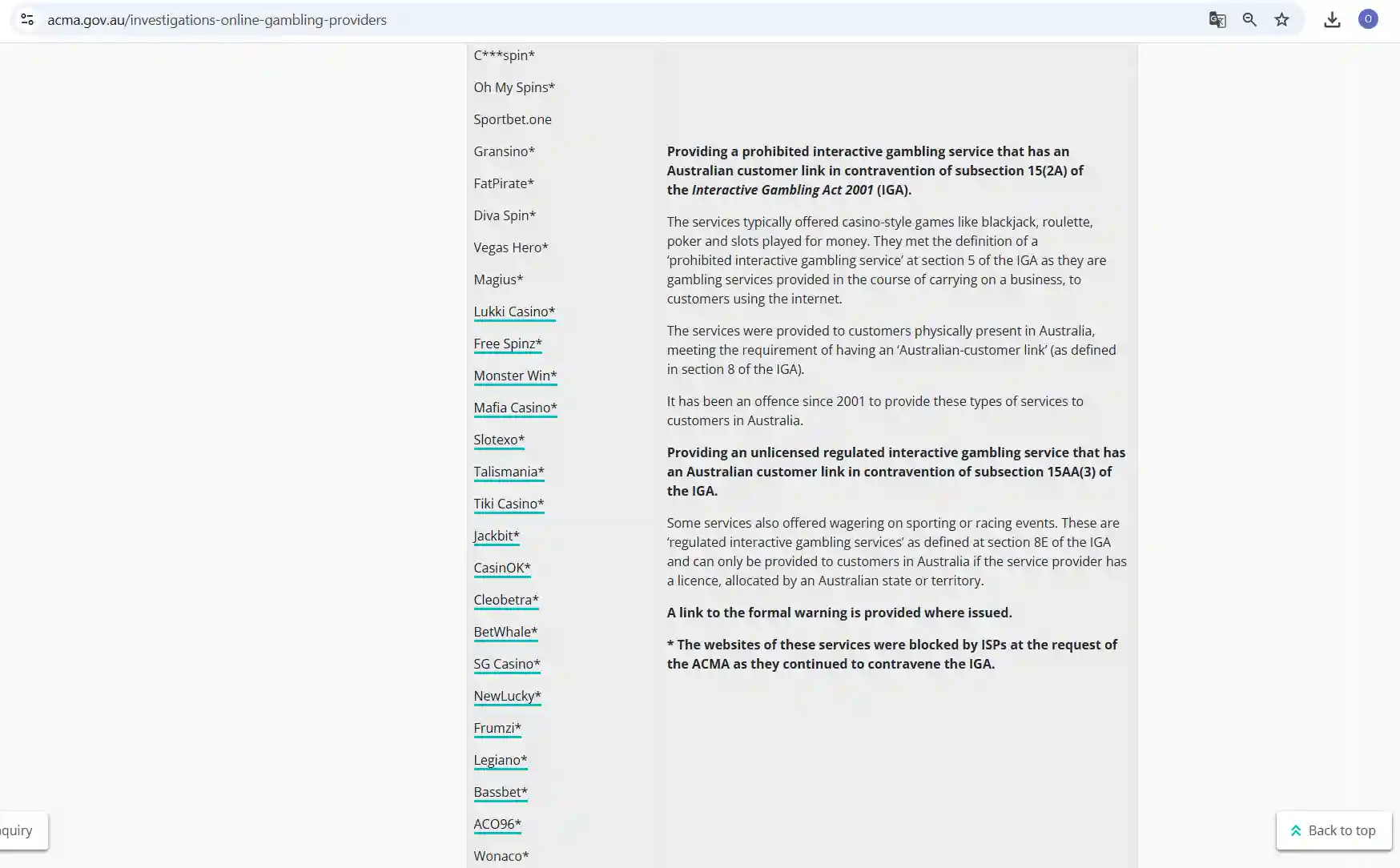
ACMA currently lists Wonaco in its prohibited-services table and identifies the service as having an Australian customer link. ACMA also named Wonaco in an ISP-blocking request on 21 May 2026. Those are provider-side regulatory findings. Using a phone instead of a desktop does not turn the service into an Australian-licensed product, and a site loading in a mobile browser should not be treated as proof of local approval.
This section intentionally keeps the legal discussion short. The dedicated safety section explains the evidence hierarchy and the separate legal-status child page covers the Australian framework in more depth. The practical mobile takeaway is simply that interface availability and regulatory status are different questions.
Who is the browser-first setup best suited to?
| User preference | How Wonaco mobile fits |
|---|---|
| You want to play without installing software | Good fit. The route is browser-based on iOS and Android. |
| You specifically want an official native app | Poor fit. There is no dedicated iOS or Android app. |
| You switch between desktop and phone | Reasonable fit because the same web account model and gamehall structure are used. |
| You prefer small-screen live dealer play | Check the actual game interface first because stream and controls share limited screen space. |
| You want an APK download | Do not use unofficial packages. The browser product does not require one. |
For most readers, the decision is less about whether Wonaco has an app and more about whether a browser-only model suits how they use a phone. If you value a native app-store install, this setup will not provide one. If you mainly want the same web account and game categories on a smaller screen, the browser model answers that need directly.
Browser access and Australian context
Wonaco supports mobile-browser play and does not have a dedicated iOS or Android app. The browser version exposes the main casino categories, including Pokies, Live Games, Instant Games, Table games and Jackpots, so the mobile proposition is based on web access rather than a native app download.
Mobile access does not change the Australian regulatory position. ACMA identifies Wonaco as a prohibited interactive gambling service with an Australian customer link and previously included it in an ISP-blocking request.
Written by the editors at Wonaco Casino.